
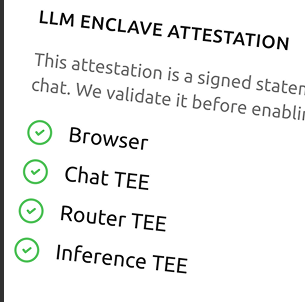
Live attestation you can inspect
Tresor runs AI inside sealed hardware where your data stays protected while it is being processed. Not by policy. By physics. And you can check the proof yourself.
Live attestation you can inspect
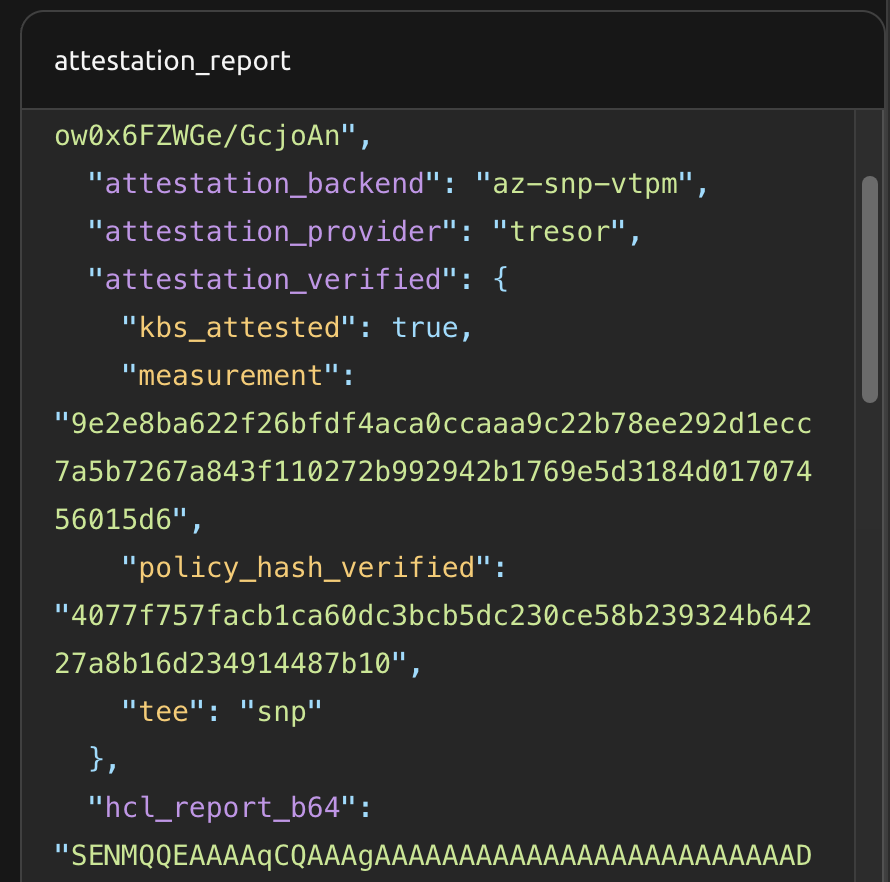
Signed receipts for every verified run
Hardware-encrypted memory while data is in use
Data at rest is encrypted on disk. Data in transit is encrypted over the network. But data in use, the moment it is loaded into memory and processed, has traditionally sat there in plain text. That is the gap that matters for AI.
When your request reaches Tresor, it runs inside a hardware enclave, a protected zone created by the processor itself. The chip encrypts enclave memory with a key held inside a dedicated security processor on the CPU.
That key never leaves the chip. The operating system cannot read it. The cloud operator cannot read it. Tresor engineers with full root access to the server cannot read it either.
In practice, cold-boot the machine, probe the memory bus, or dump the RAM, and you do not get customer plaintext. You get encrypted nonsense.
Step 1
Your app or browser
Sends the request over TLS and can pre-check live attestation before any application data leaves your machine.
Step 2
Tresor enclave
TLS terminates inside the attested runtime. Memory stays encrypted by the CPU while the workload executes.
Step 3
Approved model route
Routing, provider checks, and signed evidence stay bound to the same trust story so the request comes back with proof attached.
This is where confidential computing stops being a promise. The same evidence surface the SDK relies on is available for anyone to inspect.
Check the live evidence against published root certificates and open verification tooling. No private Tresor checker required.
Match the signed workload identity to the exact software image. Change one byte and the proof fails.
Fetch the public attestation endpoint any time and inspect the trust surfaces yourself before you send application data.
Verify a live attestation now
Live attestation verified
The live endpoint returned a fresh envelope, the workload manifest matched the published identity tag, and the trust bundle was reachable.
Live envelope fetched
Schema tresor.attestation/v1.az-snp-vtpm · workload router
Evidence still fresh
Issued 2026-10-06T05:54:56.000Z · valid until 2026-10-06T06:04:56.000Z
Manifest bound to tag
Tag a87776e9df1d...7b7dd543c3 matches the signed workload manifest
Trust bundle published
Bundle available at https://trust.test.tresor.co/api/router-test.json
This preview checks live evidence freshness, manifest binding, and the published trust bundle surface. Full cryptographic verification is available through the open verifier SDK and CLI.
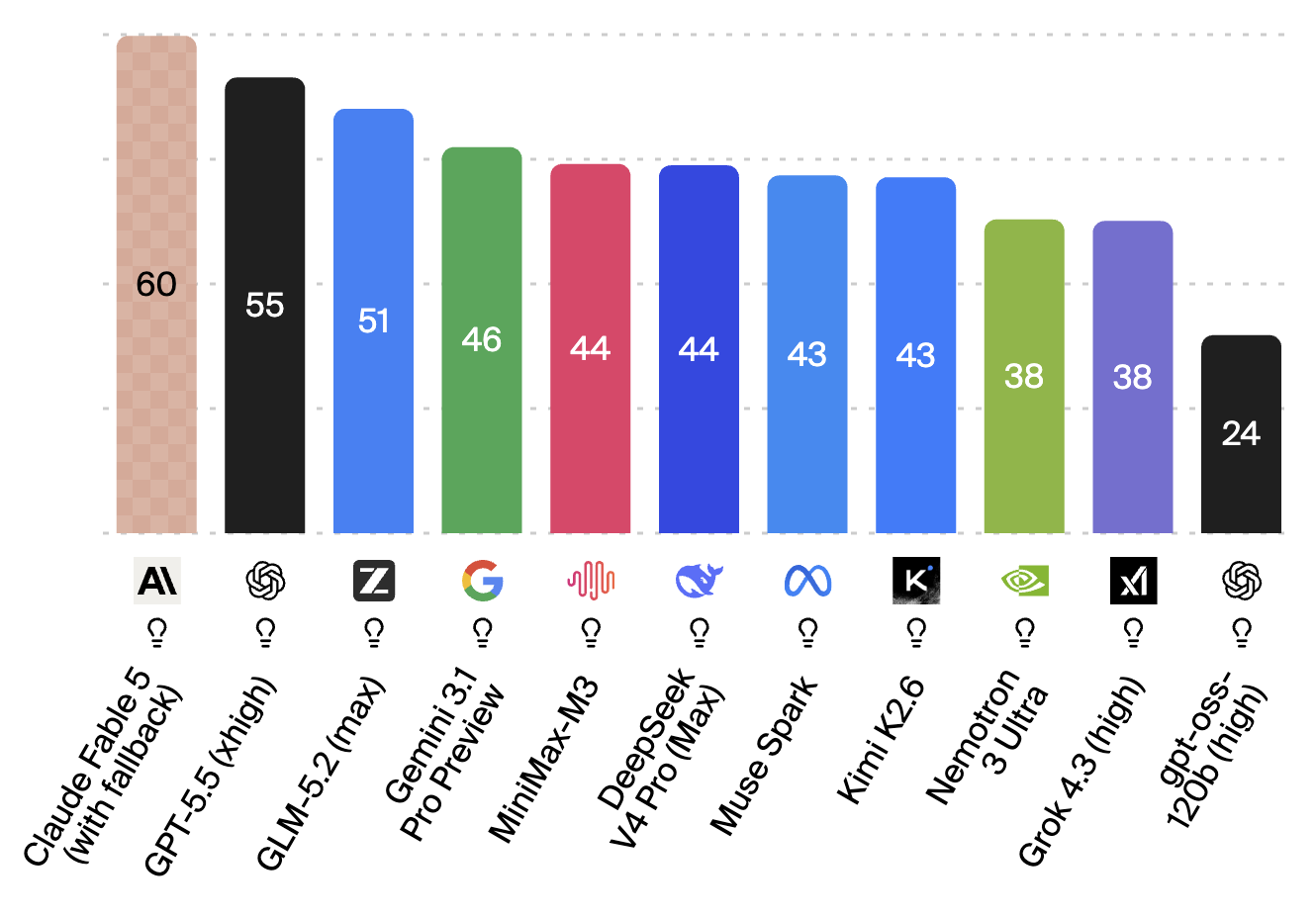
Confidentiality is meaningless with weak models. Tresor is designed so the same sealed path can power serious work, not toy demos.
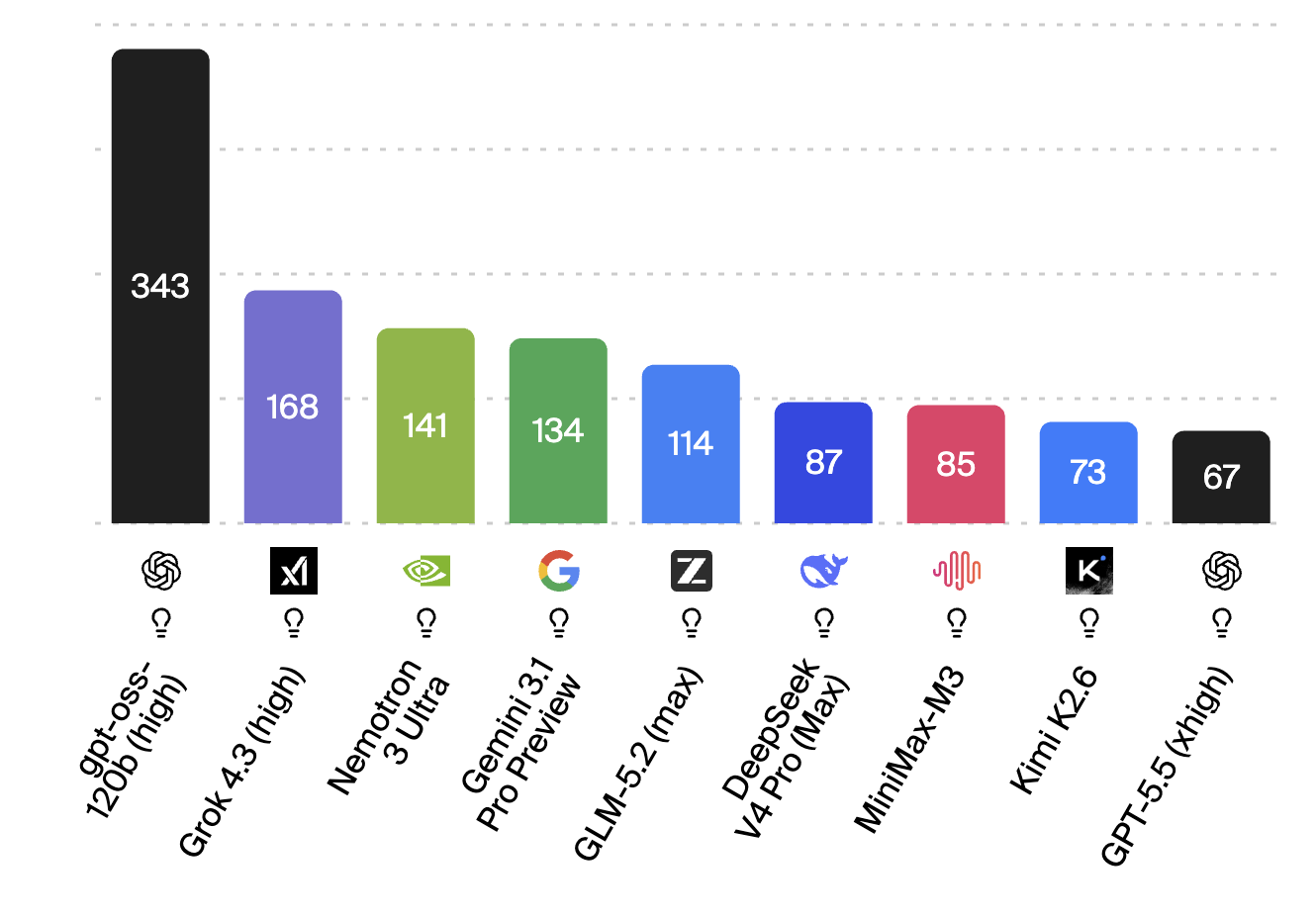
Speed
342.6 tok/s
gpt-oss-120B (high) on ArtificialAnalysis.ai.ArtificialAnalysis currently measures it at 342.6 output tokens per second, making it the fastest model we show on this page.
Intelligence
51
Z.ai GLM-5.2 (max) on ArtificialAnalysis.ai.ArtificialAnalysis scores it at 51 on the Intelligence Index, which is why this card now represents the strongest model in the lineup.
Capability comparable to leading public assistants, with the request path still bound to attestation and receipt evidence instead of trust-me operating policy.
Chat Workspace
Upload sensitive documents, ask questions, draft reports, and collaborate inside a system where readable content is kept out of ordinary operator reach.
Router API
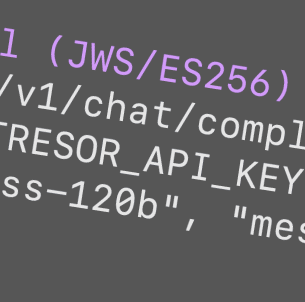
Same models, same parameters, same streaming shape. Change two lines and keep the zero-access guarantee attached to every request.
# Before
client = OpenAI(api_key="sk-...")

# After
client = OpenAI(
    base_url="https://api.trytresor.com/v1",
    api_key="tr-..."
)